![BCS_Logo_Horizontal_Reverse_CMYK - Copy-1.png]](https://help.getbcs.com/hs-fs/hubfs/BCS_Logo_Horizontal_Reverse_CMYK%20-%20Copy-1.png?height=40&name=BCS_Logo_Horizontal_Reverse_CMYK%20-%20Copy-1.png)
Availability: All Insurance Tracking clients — Self-Service and Full-Service.
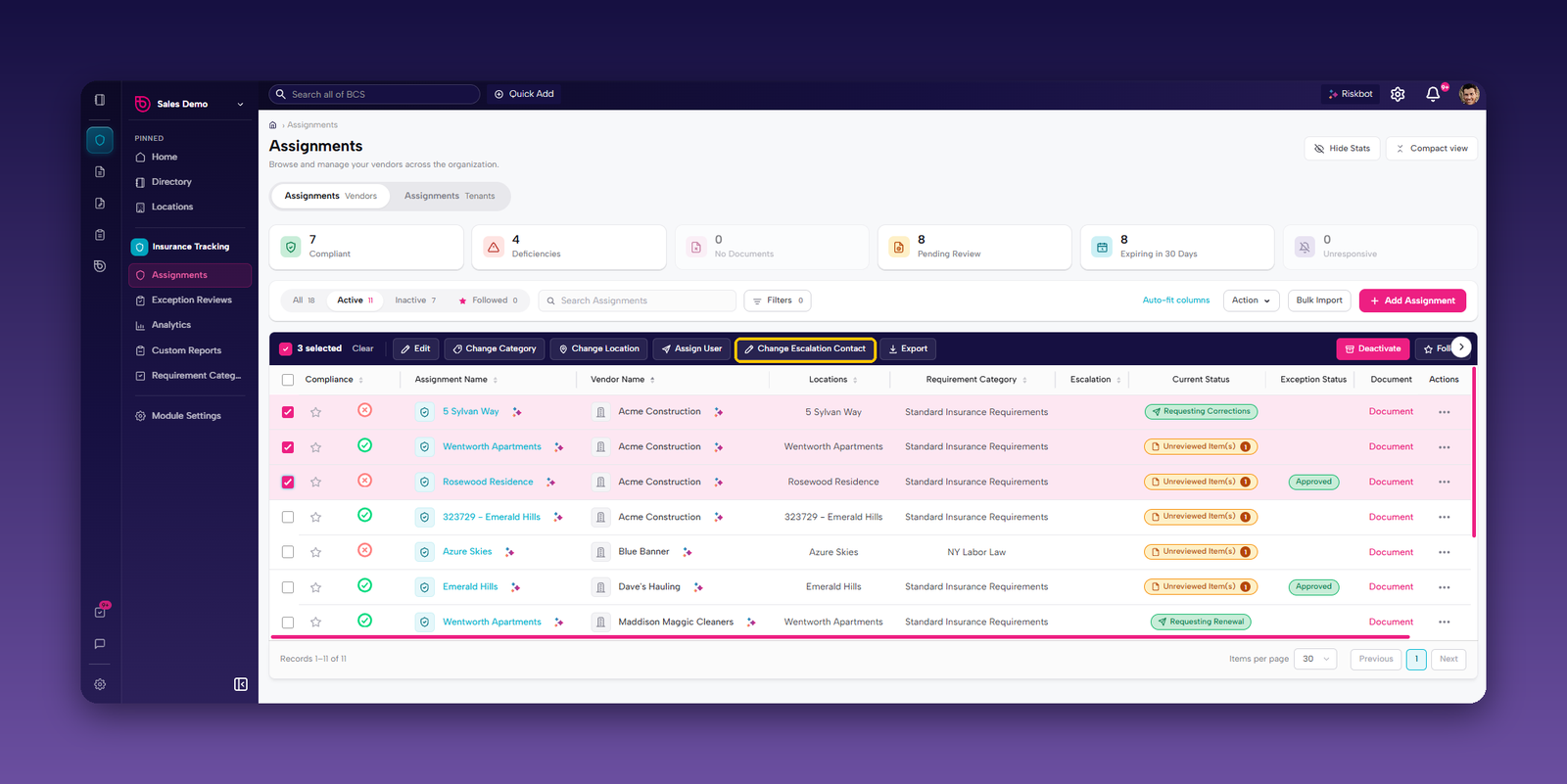
You can now change the escalation contact on many compliance assignments at once. 🎉 The escalation contact is the person at your company who gets an email when a vendor becomes unresponsive, pushes back, or otherwise needs your attention — and now keeping it current takes seconds instead of editing assignments one by one.
Here's what you can do
- ✅ Select any number of assignments and click Change Escalation Contact in the bulk-action bar.
- 👤 Pick an existing escalation contact, or add a new one by name and email.
- 🔁 Replace the contact on every selected assignment — and fill in assignments that didn't have one.
- 🎯 Only the assignments you select change; the vendor's other assignments keep their current contact.
Perfect for handing off a departing teammate's vendors or making sure every escalation reaches the right person at each location.
👉 Learn what escalation contacts do and how to update them: Escalation Contacts