![BCS_Logo_Horizontal_Reverse_CMYK - Copy-1.png]](https://help.getbcs.com/hs-fs/hubfs/BCS_Logo_Horizontal_Reverse_CMYK%20-%20Copy-1.png?height=40&name=BCS_Logo_Horizontal_Reverse_CMYK%20-%20Copy-1.png)
Availability: Software + Managed Services (full-service) clients only.
You now decide which fields your team can update themselves. BCS can make specific vendor profile and compliance assignment fields editable for your account — so the details your team owns stay current without a support ticket, while compliance-critical fields stay protected. 🎛️
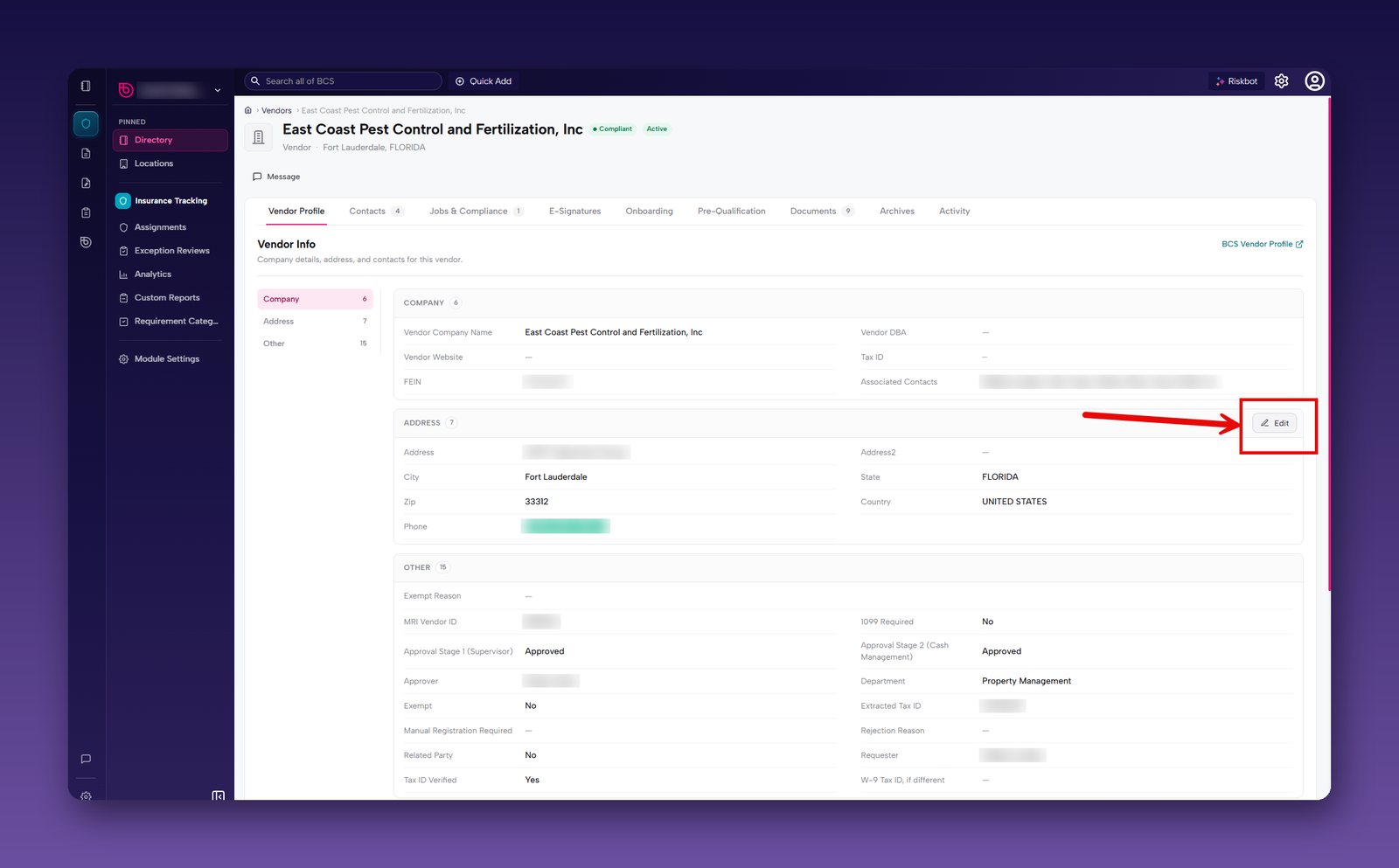
Here's what you can do
- ✏️ Edit in place — select Edit on any section with editable fields, update the values and save.
- 🧩 Keep custom fields current — departments, approval stages, internal IDs and other data your team tracks.
- 📋 Update assignment details — project numbers, contract values and site contacts, without touching what drives compliance.
- 🔒 Stay compliant — Location, Requirement Category and record-identifying fields remain read-only.
Want fields switched on or off? Email customersupport@getbcs.com with the field names and we'll configure them for your account.